HTML to video
Open an HTML file or a web address, see it run at the exact output size, render it to a transparent video.
 Aether Renderer
Desktop app · v0.3.0 · macOS, Windows, Linux
Core and capture in one window. Pick or drop your input, preview it, render. No terminal needed.
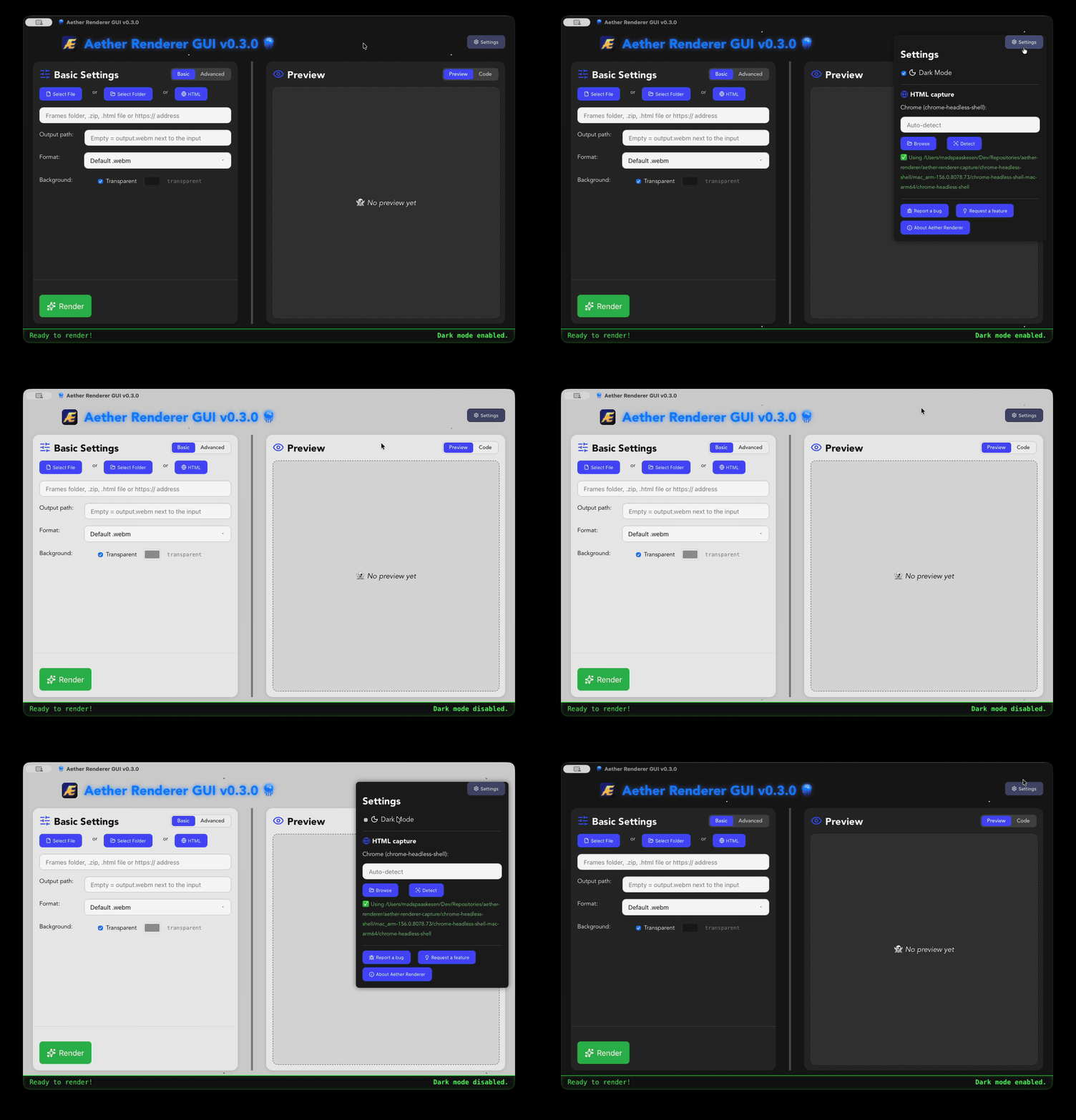
Open an HTML file or a web address, see it run at the exact output size, render it to a transparent video.
Edit the HTML in the Code tab and the preview follows as you type. Save with ⌘S, or start from a template.
A folder or ZIP of PNG frames, as before. Drag and drop anything onto the window.
Full HD, 4K, 9:16 Reels/TikTok/Shorts, 4:5, square and sticker sizes.
Keep transparency or fill it with a colour; fade in and out; fps, CRF and bitrate.
Send a bug report or a feature request from the app, with optional diagnostics you can read first.
macOS: the app isn't signed yet, so the first time, right-click it and choose Open. Linux: chmod +x the AppImage and run it. All files: latest release · changelog
FFmpeg on your PATH. macOS: brew install ffmpeg, more in the install guide.
For HTML input, chrome-headless-shell. The app finds it in ~/.cache/puppeteer, or pick it in ⚙️ Settings:
npx @puppeteer/browsers install chrome-headless-shell@stable --path ~/.cache/puppeteerSource on GitHub · Built with Tauri and Rust · For a friendlier tour, see web2vid.com